Unpixel doesn’t download or install anything by itself. It can look for a new version once a day and tell you about it; installing it is the same drag into Applications you did the first time, and takes about a minute.
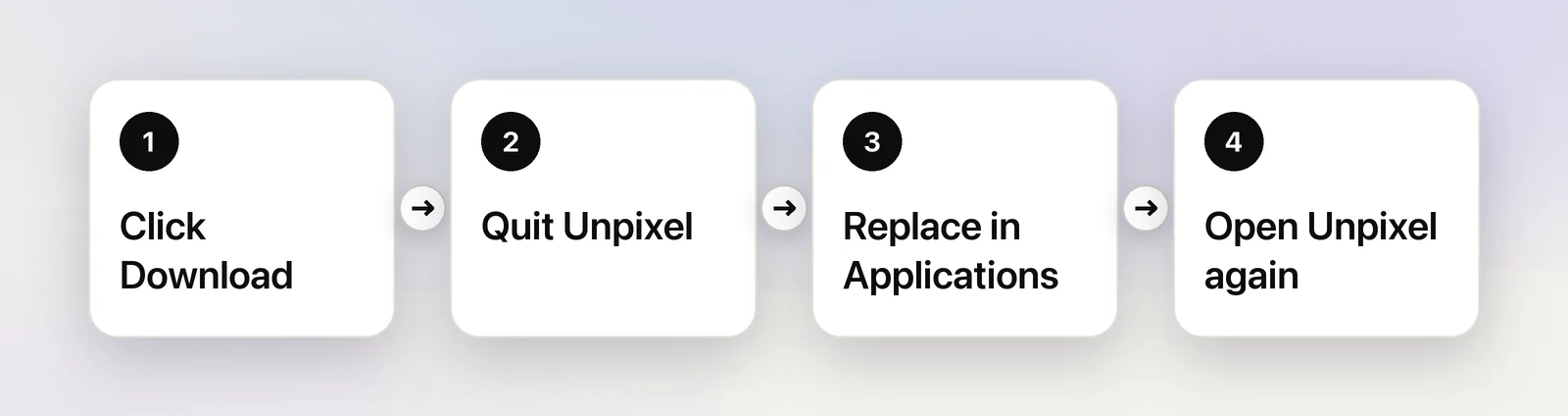
Unpixel never updates itself. It checks once a day and, when a new version is out, shows Update available in the menu bar panel. Click it, then Download in Settings → General. Quit Unpixel, drag the new copy from the disk image into Applications and choose Replace. Your license, settings and history carry over.
How you find out
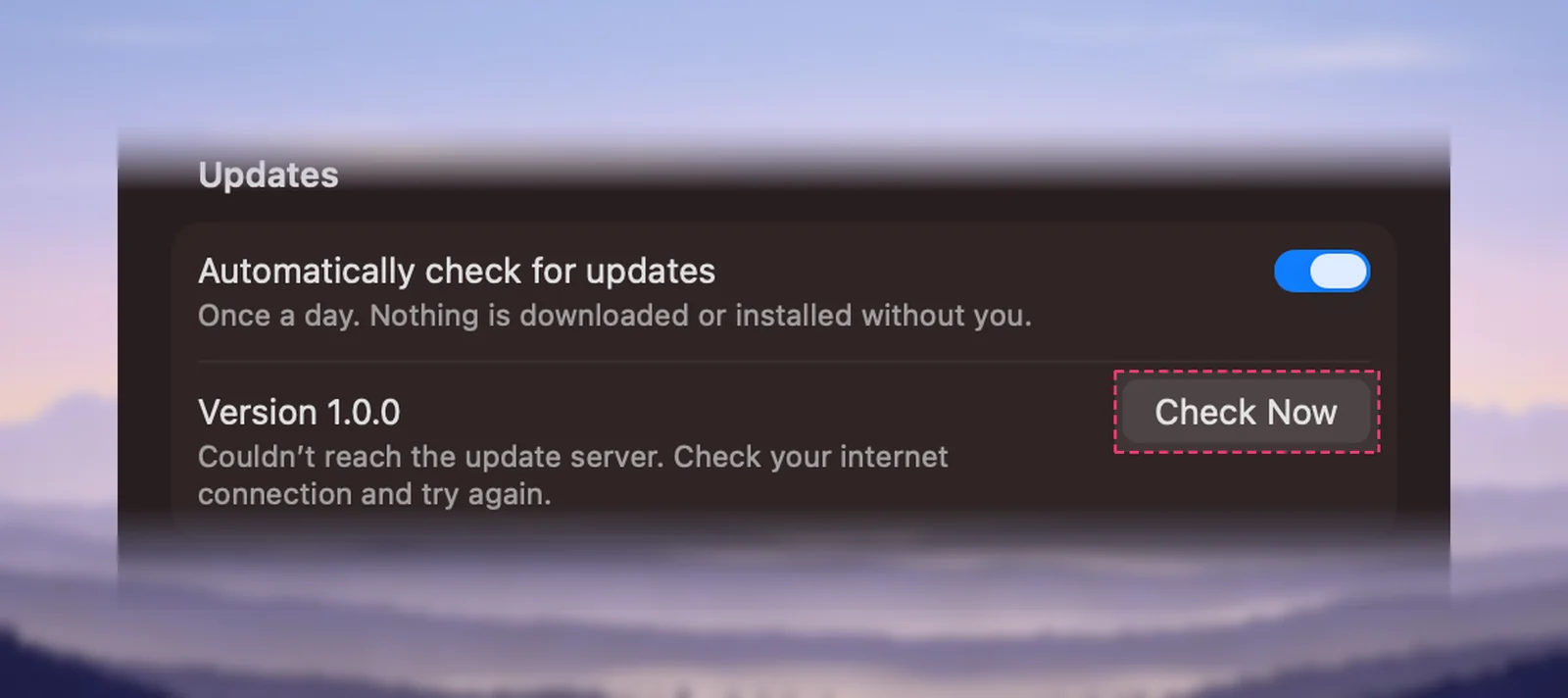
The switch is Automatically check for updates in Settings → General → Updates, described as “Once a day. Nothing is downloaded or installed without you.” It’s on unless you turn it off. The first check runs about 10 seconds after Unpixel starts, then at most once every 24 hours while it keeps running.
When a newer version exists:
- The footer of the menu bar panel shows an Update available pill where “On-device · Private” usually sits. Clicking it opens Settings → General.
- Settings → General names the new version, for example “Unpixel 1.1.0 is available”, with your current version and the release date underneath, and two buttons: Release Notes and Download.
There are no pop-ups or notifications; the pill stays until you update.
Check now
Right-click the menu bar icon and choose Check for Updates…. The panel’s … menu has the same command. What happens next depends on the answer:
| Result | What you see |
|---|---|
| You have the newest version | A message: “You’re up to date.” |
| A newer version exists | Settings → General opens with the Download button |
| The check couldn’t finish | “Couldn’t check for updates”, with the reason, such as no internet connection |
In Settings → General you can also click Check Now. The line under Version then reads something like “Up to date. Checked just now.”, or the reason the check failed.
Install an update
- Click Download in Settings → General. Your browser downloads Unpixel.dmg from the Unpixel website. You can also get it from the Download page.
- Right-click the menu bar icon and choose Quit Unpixel.
- Open the disk image and drag Unpixel onto the Applications folder. When Finder says an item with that name already exists, click Replace.
- Eject the disk image and open Unpixel from Applications.
- To confirm, open Settings → About: the version number sits under the app name.
Your license lives in your keychain, and your settings and history in your Library folder, so none of them is touched when the app is replaced. Two things you might notice afterwards:
- macOS may ask once whether you want to open the new version, as it did the first time. Install Unpixel on your Mac shows what to click.
- The Screen Recording permission normally carries over. If captures only show your wallpaper, switch Unpixel off and on again in Screen & System Audio Recording, then reopen it. See Allow Screen Recording for Unpixel.
If the update needs a newer macOS
Each version states the oldest macOS it runs on. When yours is too old for the newest Unpixel, Settings → General says so, for example “Unpixel 1.2.0 needs macOS 26.2 or later.”, and offers no Download button. The version you have keeps working. To update macOS, choose Apple menu → System Settings → General → Software Update.
Release notes
When an update is available, Release Notes sits next to Download in Settings → General and opens the list of changes. You can read the same list any time on the changelog, including what changed in the version you already have.
Turn automatic checks off
Turn off Automatically check for updates. Unpixel then makes no update requests at all; Check for Updates… and Check Now still work when you want them.
A check is an ordinary request for a small file on the Unpixel website. The request includes the Unpixel and macOS version numbers, but no license key and nothing you captured. The only other time Unpixel goes online is to check its license, explained in Using Unpixel offline.
Frequently asked questions
Do I need to deactivate my license before updating?
No. The license is stored in your keychain, not inside the app, so replacing the app leaves it untouched.
Do updates cost extra?
The Terms of Service say your license includes every update within the same major version, such as all 1.x releases. A future major version may be sold separately, and the version you have keeps working.
Can I go back to an older version?
Only if you kept its disk image. Unpixel’s update check only ever offers the newest version.
Why didn’t I get a notification about the update?
Unpixel doesn’t send notifications for updates. Look for the Update available pill in the panel’s footer, or choose Check for Updates… from the menu bar icon.
Sources
- Update macOS on Mac — Apple Support support.apple.com